
The watch options
What the Watch and Agency options add, and what they add to.
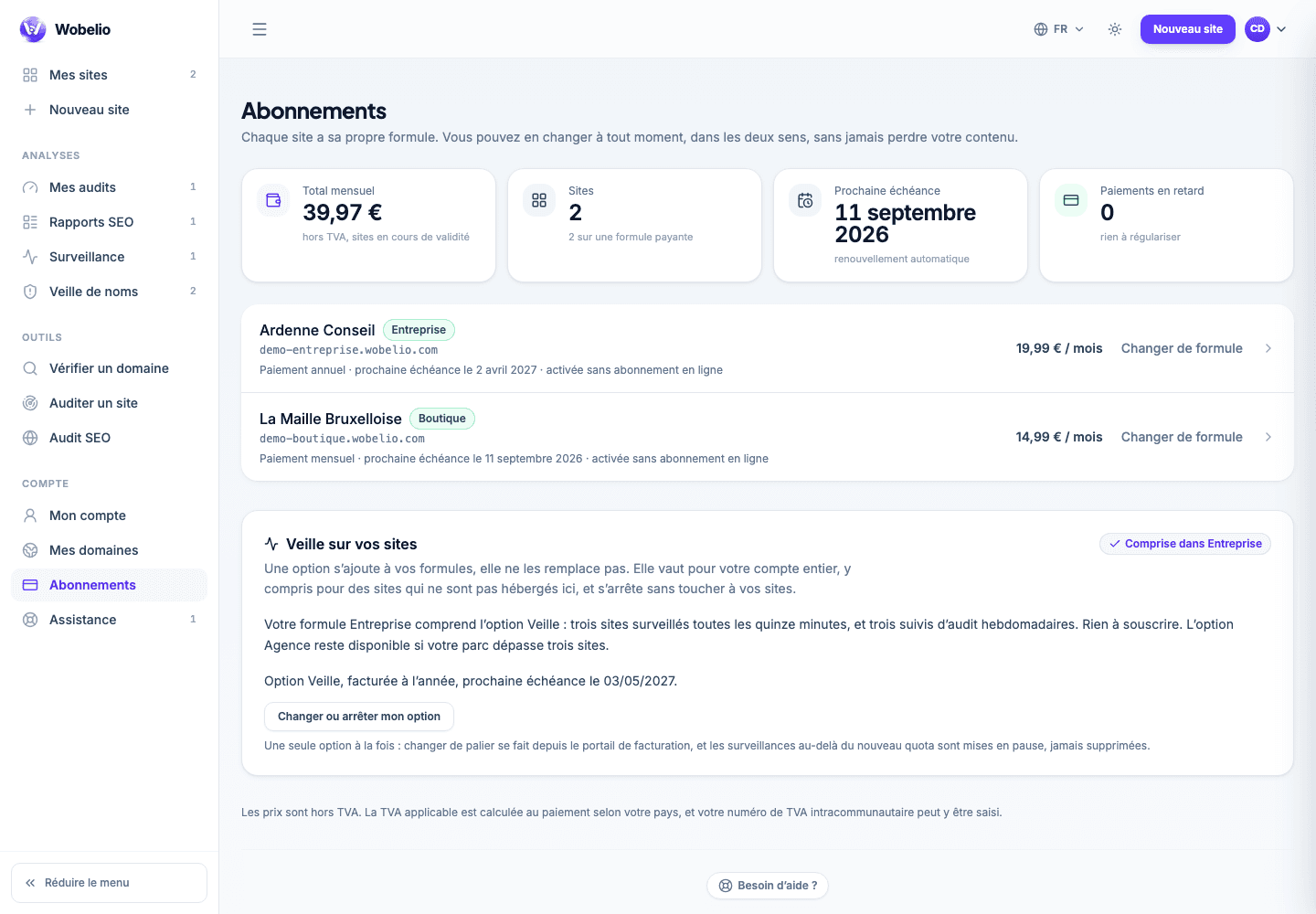
Tableau de bord → Abonnements (Dashboard → Subscriptions)
An option is not a plan
It adds to what you already have, it replaces nothing. And above all: it applies to the ACCOUNT, where a plan applies to a site. That is why it is taken out under the list of sites, and not inside one of them.
What they widen
Both options bear on the same tools — availability monitoring, domain watch and audit follow-up — and change nothing about your sites themselves.
- Without an option: one address monitored, one check per hour, seven days of history, one name watched.
- Watch: three addresses, one check every quarter of an hour, ninety days, three names.
- Agency: twenty-five addresses, one check every five minutes, one year, twenty-five names.
Included with the Business plan
A site on the Business plan opens the Watch option on the account, with nothing more to pay. The screen says so and offers nothing to buy.
Changing or stopping
As with a plan, it happens in the billing portal, which knows how to cancel, change card and reissue invoices.
Cet article ne répond pas à votre cas ? Écrivez-nous depuis votre espace.