
Messages and forms
Receive the enquiries sent from your site, and be told by e-mail.
Tableau de bord → votre site → Messages (Dashboard → your site → Messages)
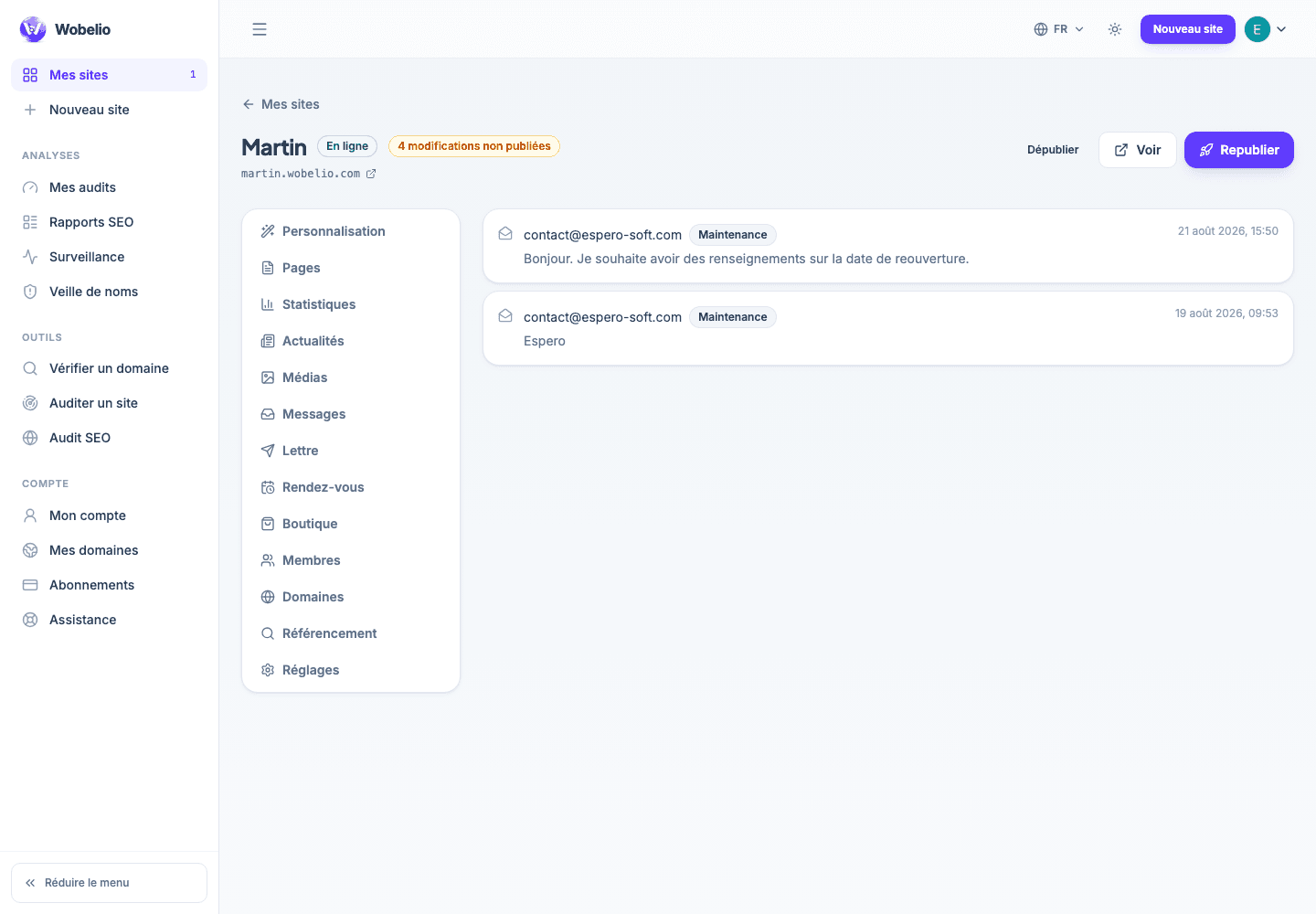
Where enquiries arrive
Everything sent from the « Formulaire de contact » (Contact form) block of your site arrives in Messages, with the date and the details left behind. Unread messages are counted in your site’s navigation.
Being told
An e-mail notification tells you about new enquiries: you do not have to open the dashboard to know that someone has written to you.
If nothing reaches you
First check that the page carrying the form is indeed published, then the spam folder of your mailbox. A domain whose SPF, DKIM and DMARC records are badly set makes notifications land in spam: the e-mail checking tool tells you so from a single address.
Cet article ne répond pas à votre cas ? Écrivez-nous depuis votre espace.