
Legal pages
Legal notice, terms, privacy and cookies for your site.
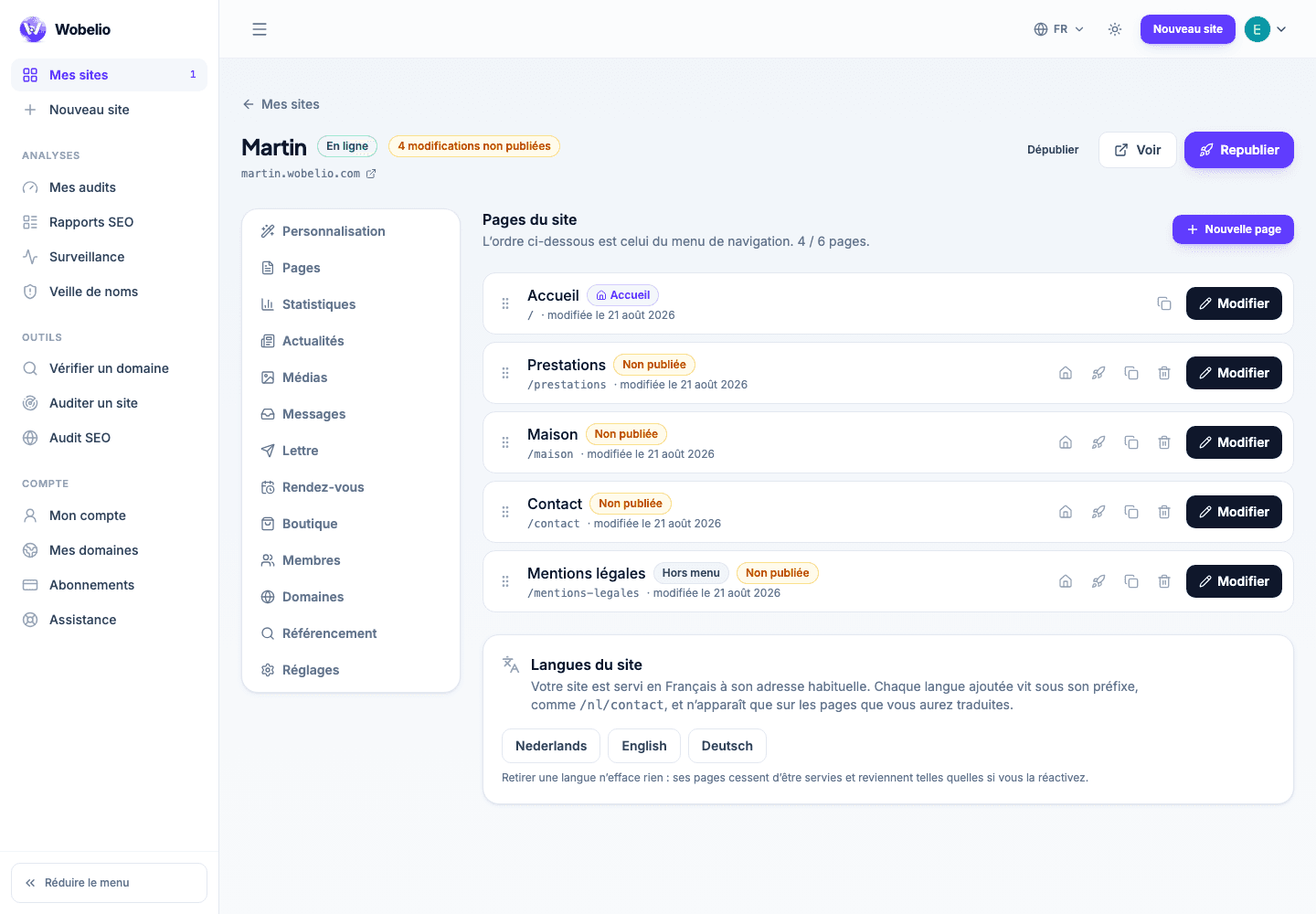
Tableau de bord → votre site → Pages (Dashboard → your site → Pages)
What is placed by default
The legal notice is created with the site and linked from its footer: publishing it is an obligation, not an option. It is written from the country of establishment you declared, which decides the form required.
The other pages
Terms of use and terms of sale, privacy policy and cookie policy are added when you need them, from the page list. An open shop calls for terms of sale.
The brackets to fill in
These texts arrive with your details already picked up from the site settings. What is missing stays between brackets: it is up to you to complete it, and it is deliberately visible.
Cet article ne répond pas à votre cas ? Écrivez-nous depuis votre espace.