
Receiving payments
The payment account, its verification, and who the seller is.
Votre site → Boutique (Your site → Shop)
Your account, not ours
Sales are created on YOUR payment account: the money never passes through a platform balance, and it goes out to your bank account at Stripe’s payout rhythm. That is what makes the absence of commission true in the legal sense and not only in the pricing sense — and it is also what makes you the merchant in your own right, and therefore responsible for disputes, refunds and VAT.
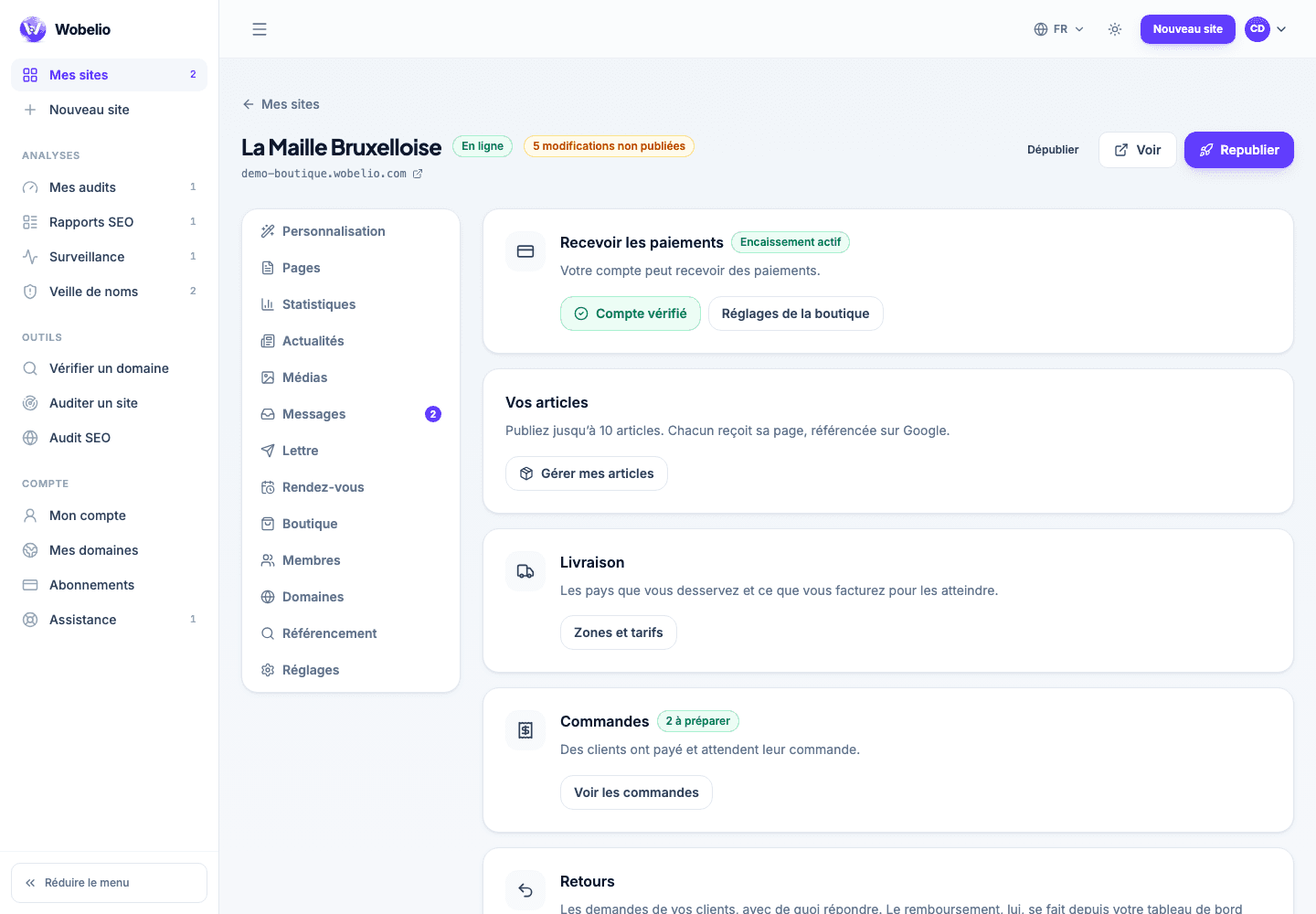
The four possible states
As long as payment is not active, no buy button is rendered on your shop: that is a safeguard, not a breakdown.
- Payment active: you can sell.
- Verification under way: your information has arrived and Stripe is examining it. It takes from a few minutes to a few days.
- Information missing: the screen lists what is still to be provided, and the link takes you there.
- Business not supported: your line of business does not fall within what Stripe accepts.
Refunding
A refund is not made from Wobelio, but from your Stripe dashboard, where it takes two clicks and is your responsibility. The record of each order shows the payment reference: that is what you will look for over there.
Cet article ne répond pas à votre cas ? Écrivez-nous depuis votre espace.