
Watching a domain name
What moves on a name: registry, DNS, content, neighbouring extensions.
Tableau de bord → Veille (Dashboard → Watch)
Two kinds of watch
The first follows ONE name: who it belongs to, until when it is registered, what it points at, and what can be read on it. The second watches its NEIGHBOURS: the same letters under other extensions, and tells you which ones are still free.
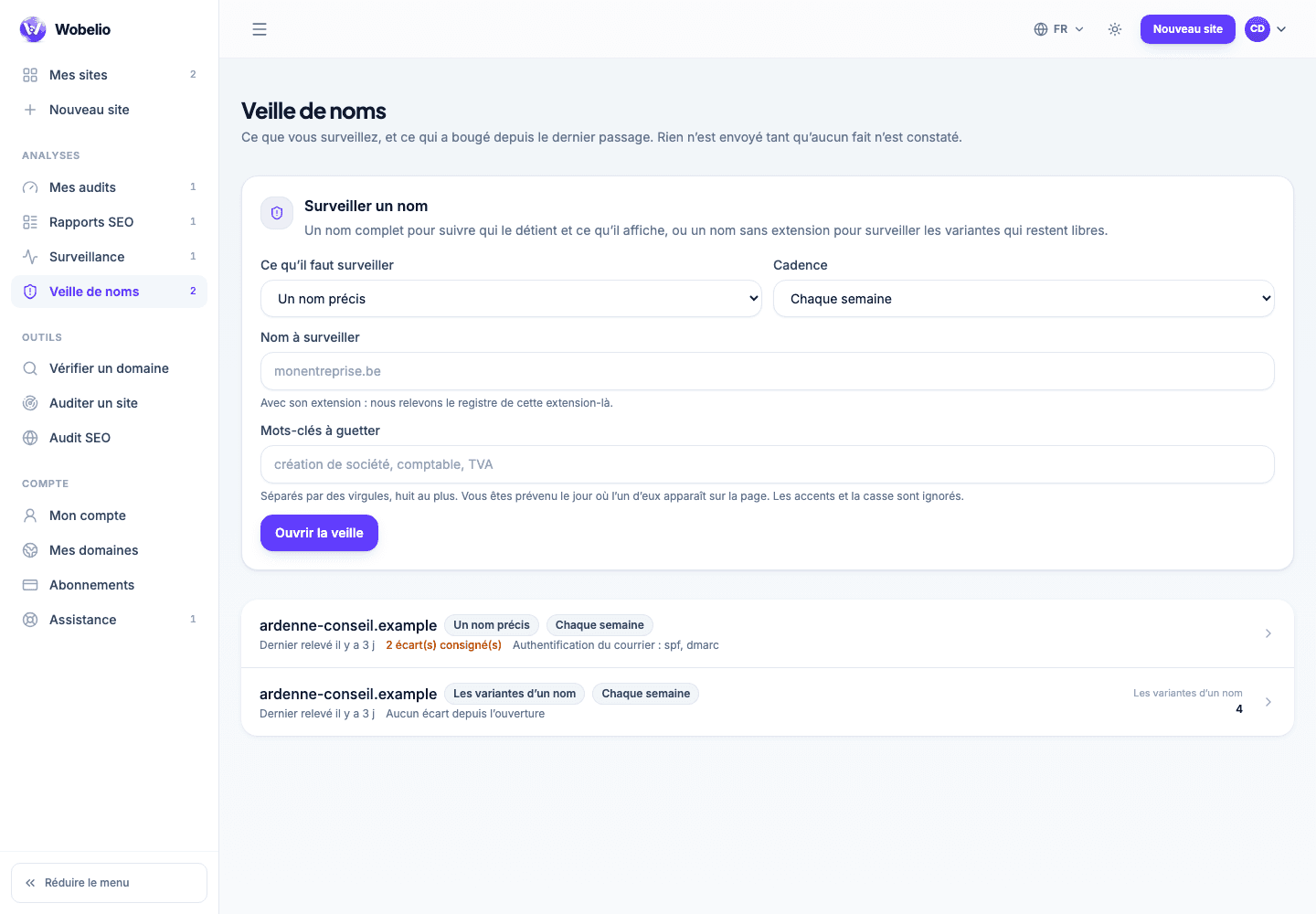
What a check compares
At every pass, the watch takes a complete state of the name and compares it with the previous one. A difference becomes a line of history, quoted in plain words: « name servers », « expiry », « content ».
- Registry: holder, registration and expiry dates, locking statuses.
- Name servers and records: where the name actually leads.
- Mail authentication: SPF, DKIM, DMARC present or not.
- Content: does the page answer, under what title, and has it changed.
- Keywords: the terms you have named, appeared on or gone from the page.
Keywords are what makes the tool worth having
It is the setting that turns « this site has changed » into « this site has started doing my job ». You choose it when opening the watch, at the same time as the rhythm.
What the plan opens up
With no option, an account follows one name, once a month, with two neighbouring extensions. The Watch option raises that to three names, once a week and six extensions; the Agency option, to twenty-five names, up to a daily pass and twelve extensions.
Cet article ne répond pas à votre cas ? Écrivez-nous depuis votre espace.