
A site in several languages
Switch on a language, translate your pages, and what visitors see.
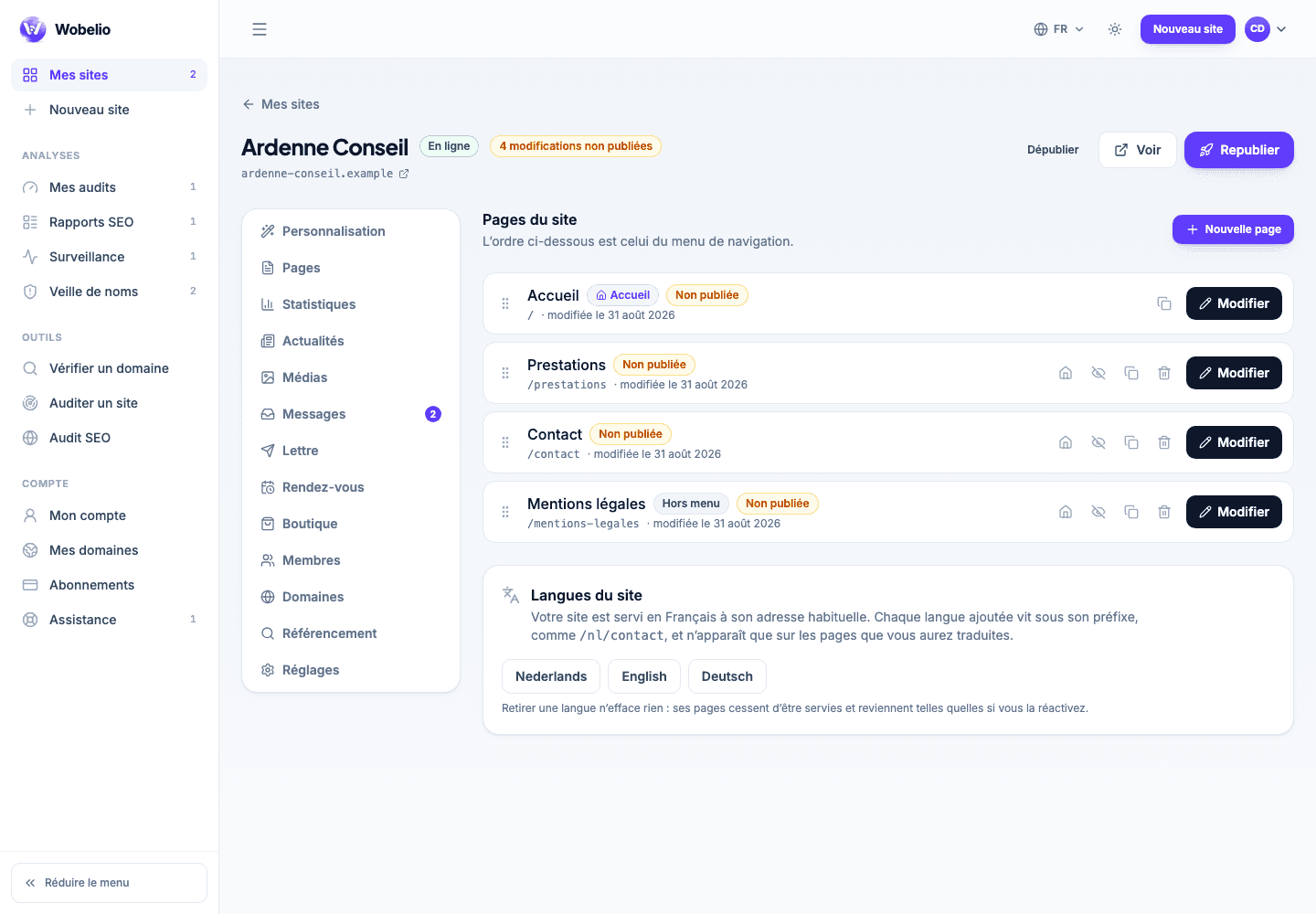
Votre site → Pages → Langues du site (Your site → Pages → Site languages)
One more language is one more site
Your site is served in its main language at its usual address. Each added language lives under its own prefix — /nl/contact, /en/contact — and only appears on the pages you have translated. Switching a language on therefore translates nothing: it opens the possibility of writing, page by page.
Translating a page
Under the page list, each row shows the status of its translations. Asking for a translation creates a copy of the page in the chosen language and takes you straight into the editor: it is a page to rewrite, not a machine translation. A translation created but never published is served to nobody, and that is the most frequent oversight on bilingual sites.
Removing a language erases nothing
Switching a language off stops its pages being served; they come back as they were if you switch it on again. That is what lets you prepare a Dutch version at your own pace, without putting it online half-finished.
Cet article ne répond pas à votre cas ? Écrivez-nous depuis votre espace.