
Opening and running a shop
Products, orders, delivery, discounts, returns and payment.
Tableau de bord → votre site → Boutique (Dashboard → your site → Shop)
Opening the shop
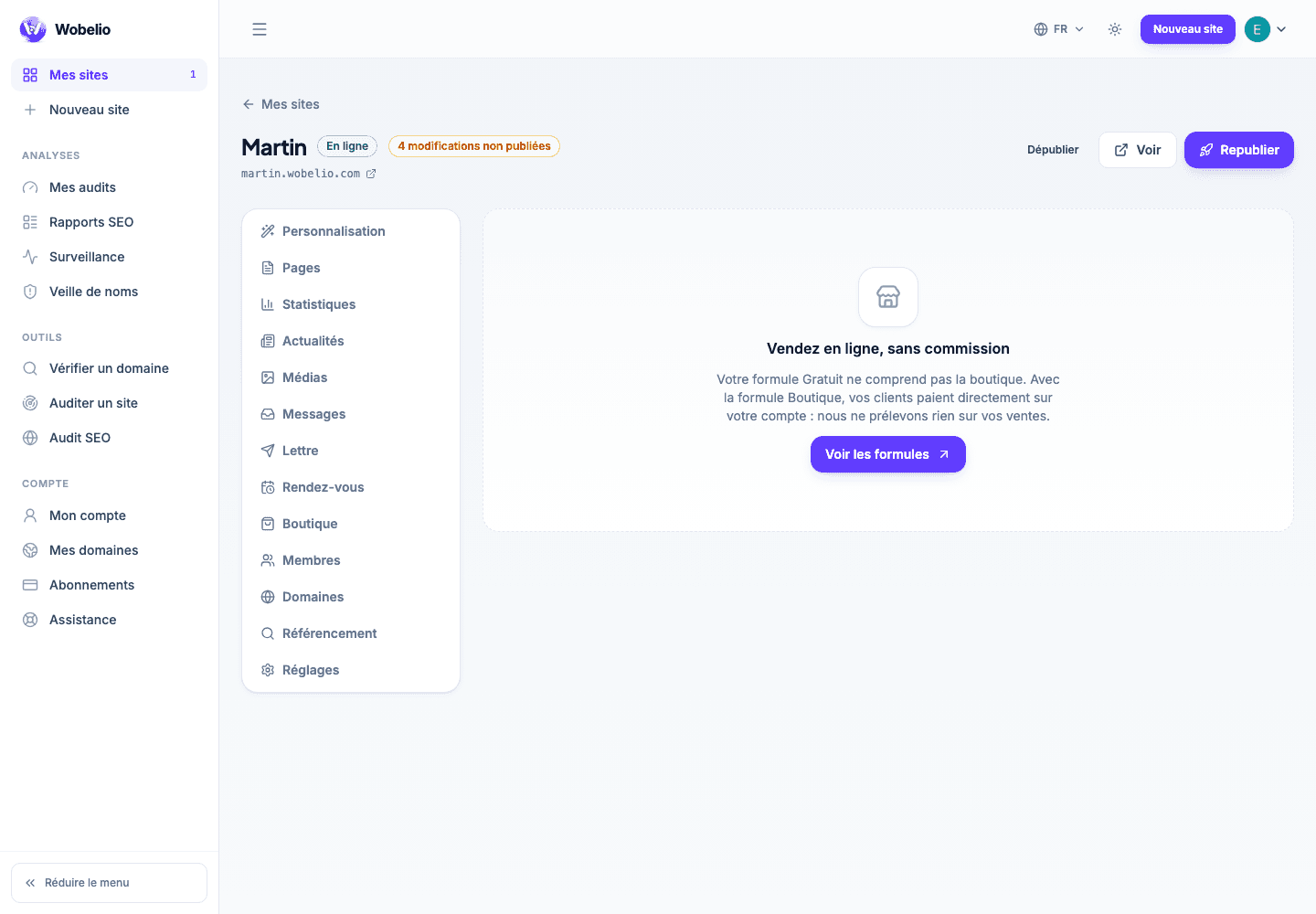
The Boutique screen offers only one thing at a time, and starts with « Ouvrir la boutique » (Open the shop). It then moves on to connecting the payment account, and after that to the catalogue, delivery and orders. As long as the shop is closed, the addresses it occupies (catalogue, basket, buyer account) stay free for your own pages.
Products
Each product carries its name, its photos, its price, its description and its stock. You create and edit them from Boutique → Produits (Shop → Products).
Orders
An order that has been placed arrives in Boutique → Commandes (Shop → Orders), with the detail of the basket, the contact details and the payment status. Every order has its own record.
- Livraison (Delivery): your zones and your shipping rates.
- Réductions (Discounts): promotional codes and their conditions.
- Retours (Returns): your customers’ requests and how they are progressing.
- Avis (Reviews): what your customers have written about your products.
Taking payment
Payments go through Stripe, which pays out to your bank account. You remain the seller: the platform steps neither into the payment nor into the relationship with your customer.
Cet article ne répond pas à votre cas ? Écrivez-nous depuis votre espace.