
Create your website
The creation flow, templates by trade, and text written by AI.
Tableau de bord → Nouveau site (Dashboard → New site)
Two ways to start
Creating a site always begins with your trade. Depending on what is available when you start, you follow the classic route, which sets up a template filled with sample content, or the assisted route, which asks you four questions and writes your site’s text from your answers.
- The classic route delivers a complete site, to be personalised word by word.
- The assisted route writes the text; the layout and the photos stay those of the template.
- In both cases nothing is published: you land on a draft.
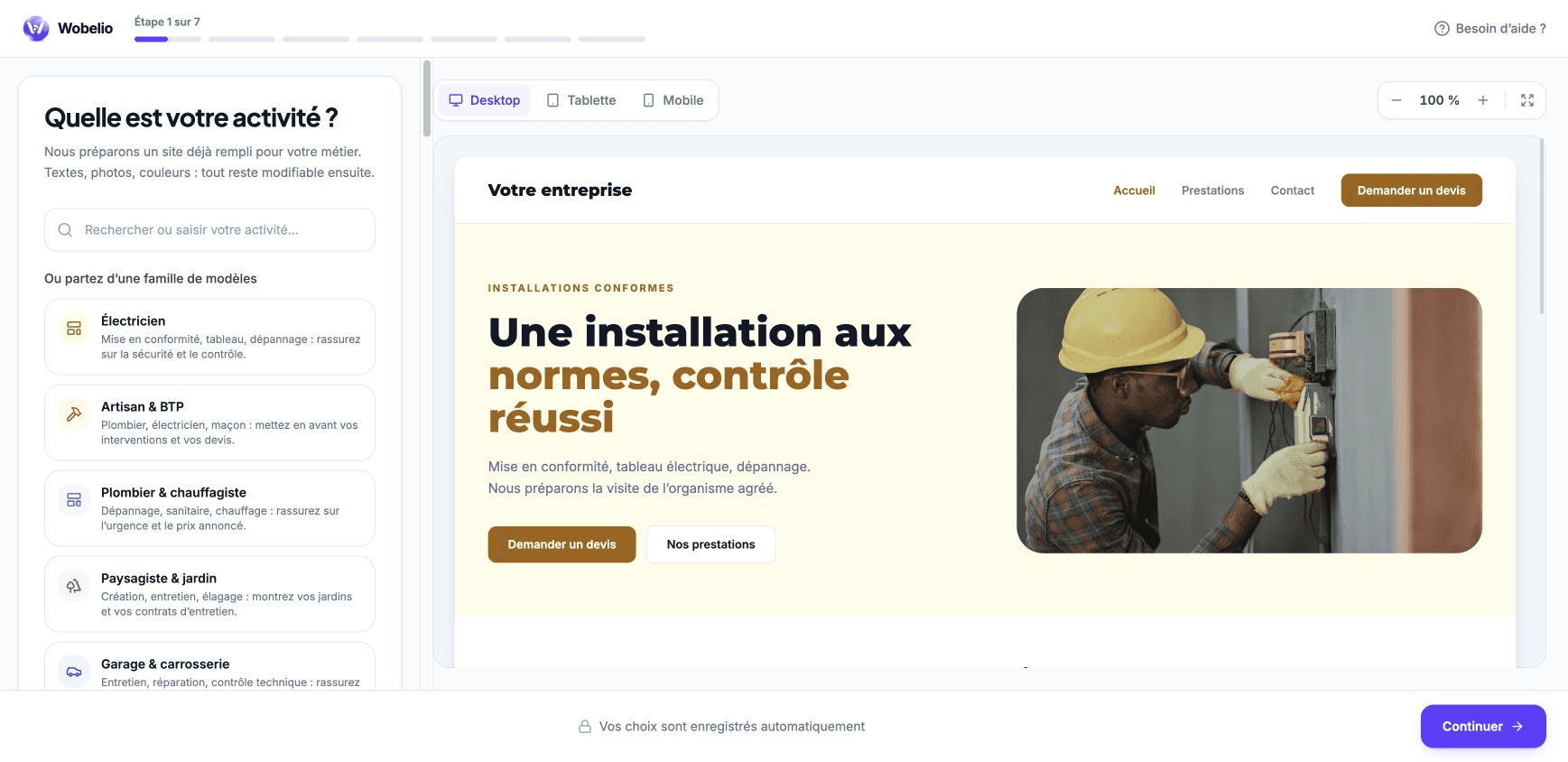
Your account is only asked for at the end
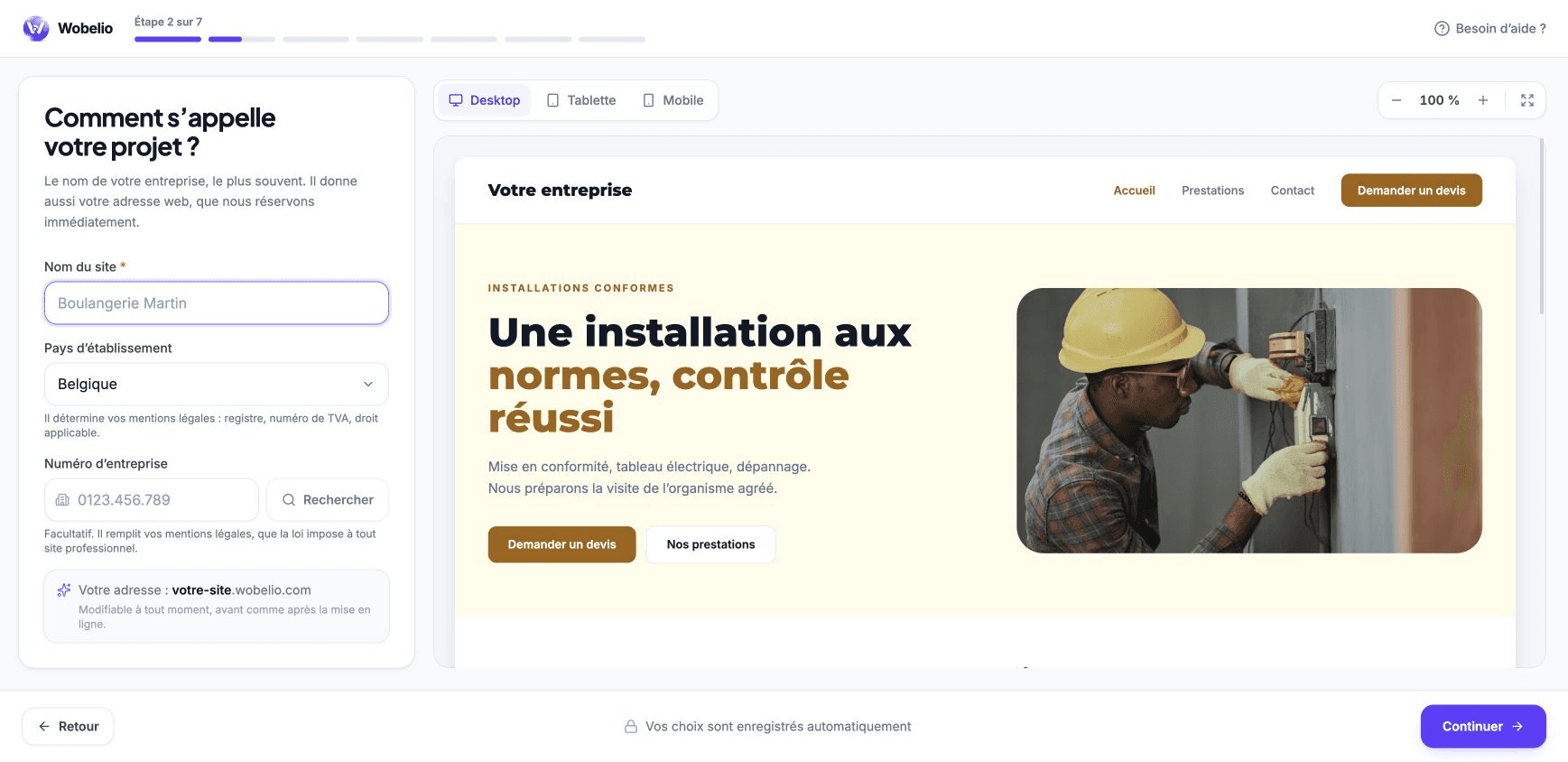
You choose your trade, your name and your colours before anything is asked of you. The account only comes at the fourth step, and your choices are kept in the tab for as long as the flow lasts: refreshing does not lose them.
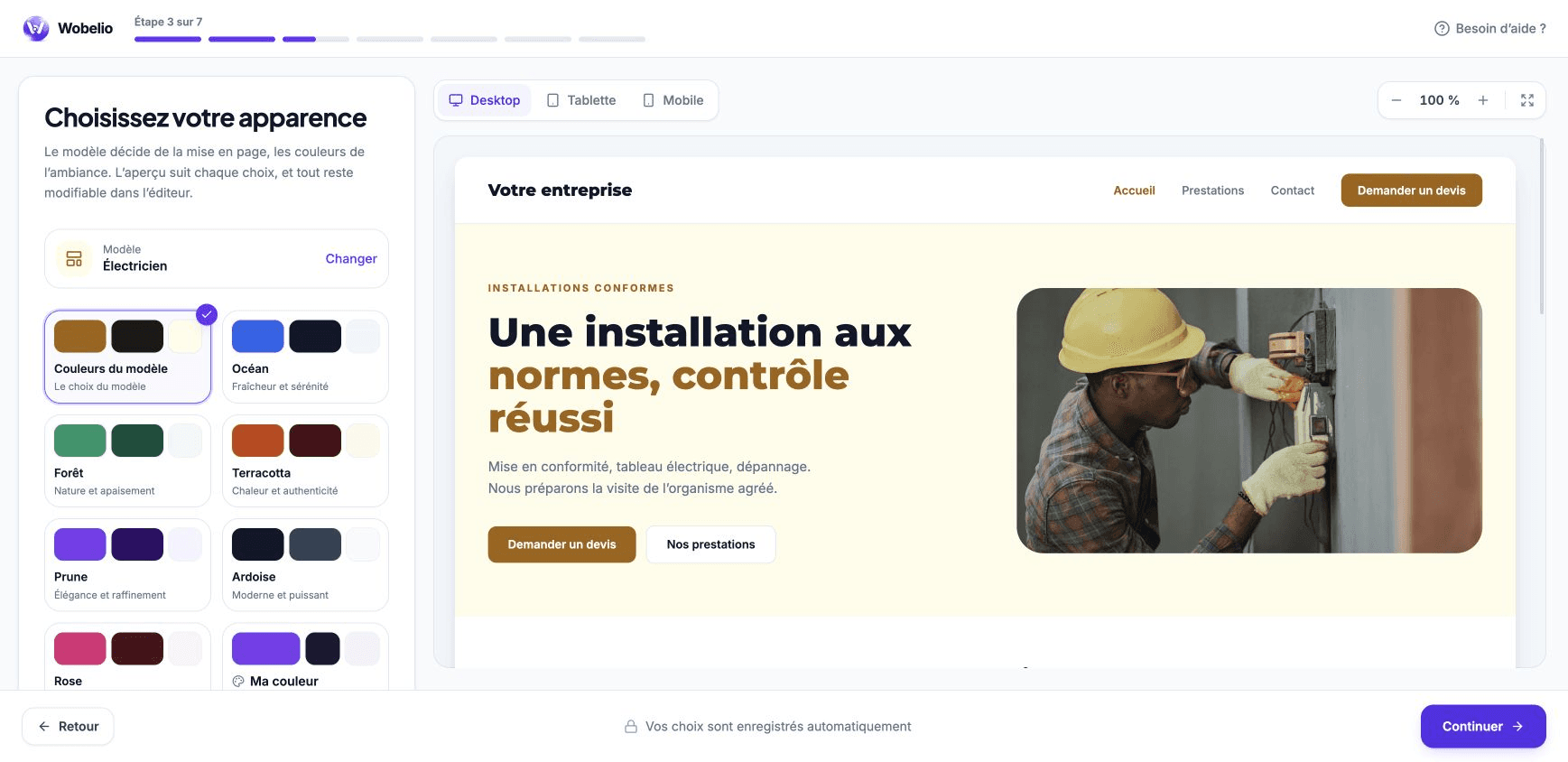
Choosing the look
The template settles how the pages are composed, and the palette settles their mood. You see the result immediately in the preview, on desktop, tablet or phone. These choices stay editable afterwards in the editor.
What you get
A site in your name at a .wobelio.com address, with its pages, its text, its photos, its legal pages and its HTTPS certificate. You can connect your own domain name afterwards, without redoing anything.
Cet article ne répond pas à votre cas ? Écrivez-nous depuis votre espace.