
Your items
An item’s record, its photos, its stock and its variants.
Votre site → Boutique → Articles (Your site → Shop → Items)
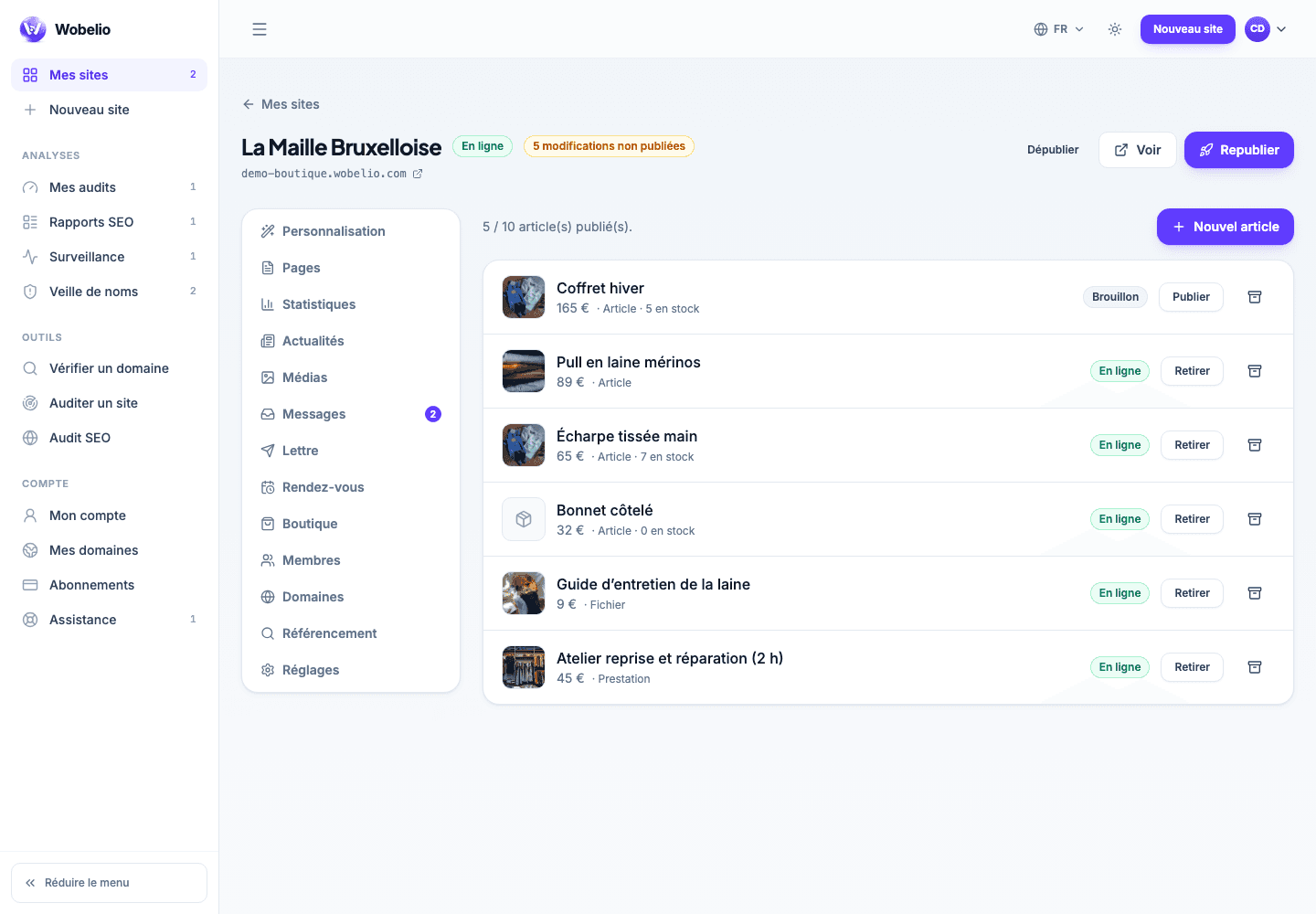
Three kinds of item
The kind you choose decides what will be asked for at purchase, and it is the one field to set before all the others.
- Item to ship: delivery address and shipping costs at checkout.
- File to download: no delivery, the file goes out as soon as payment is made.
- Service: no stock, no parcel, no address.
Price, VAT and struck-through price
Prices are entered in euros, comma accepted. The VAT field is left empty if you are not liable for it: it says how to read your prices, it calculates no tax on your behalf. The struck-through price is the one shown crossed out beside yours; the rule is to put there the lowest price applied over the last thirty days.
Stock and weight
A stock left empty means « I am not tracking it »: the item stays purchasable without any countdown. The weight in grams is only useful if your shipping costs depend on it.
Variants, in two steps
First write what varies — « Size » — then its values, one per line; the table of prices and stock then draws itself. As soon as a variant exists, the item’s stock disappears: two stocks for one item would give two answers to « is there any left ».
- The value is the key: renaming « M » into « Medium » creates a new variant and takes the old one off sale.
- Stock and sales history are attached to the label printed on the order forms.
Photos and the file sold
Photos are saved as soon as they are added, without waiting for you to click « Enregistrer » (Save): a lost upload cannot be caught up. For a file to download, allow 100 MB at most, any format; it is never served from a guessable address, only through the link handed to the buyer.
Draft and publication
An item stays a draft until you publish it, and a draft does not appear in your public catalogue. How many items you may publish depends on your plan: ten with the Shop plan, without limit with the Business plan.
Cet article ne répond pas à votre cas ? Écrivez-nous depuis votre espace.