
Putting it online
Publish, unpublish, schedule, and go back to an earlier version.
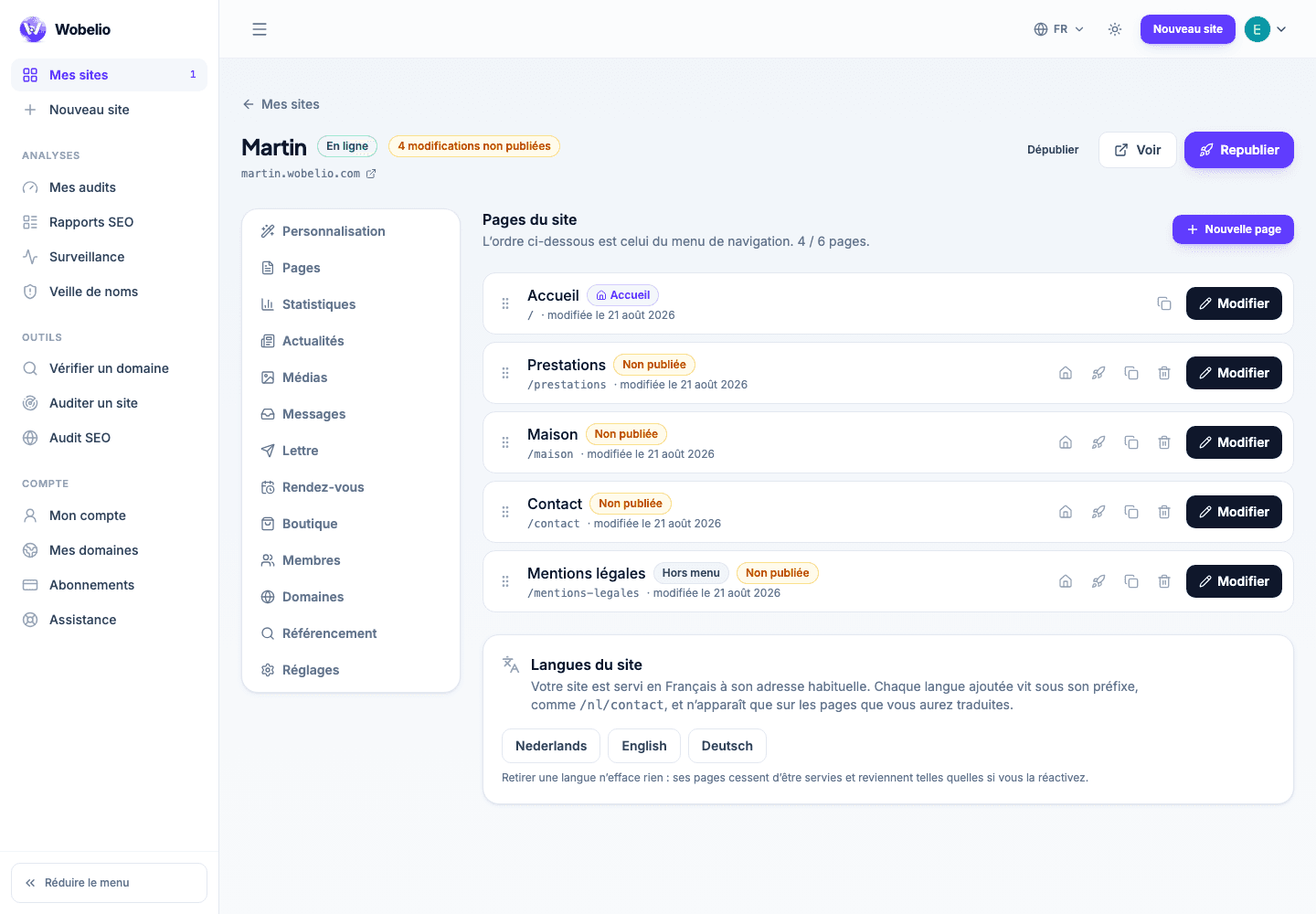
Tableau de bord → votre site → Pages (Dashboard → your site → Pages)
Publishing
The « Publier » (Publish) button puts online what you have prepared. If the site was not online yet, it is from that moment on. You can publish the whole site, or a single page from the page list.
Scheduling
A page can go out on a date of your choosing. Until then, the version that is online keeps being served: you prepare the next one without breaking anything.
Unpublishing and going back
Taking a page down removes it from the site and from its menu, without erasing your work: your draft is kept, and « Publier » puts it back online just as you left it. Published versions are archived, which is what lets you go back to the one before.
Cet article ne répond pas à votre cas ? Écrivez-nous depuis votre espace.