
Members and roles
Working on a site with several people, and who is allowed to do what.
Tableau de bord → votre site → Membres (Dashboard → your site → Members)
Inviting someone
An invitation goes out by e-mail to the address you give. The person joins the site with the role you have given them, without you having to share your own credentials.
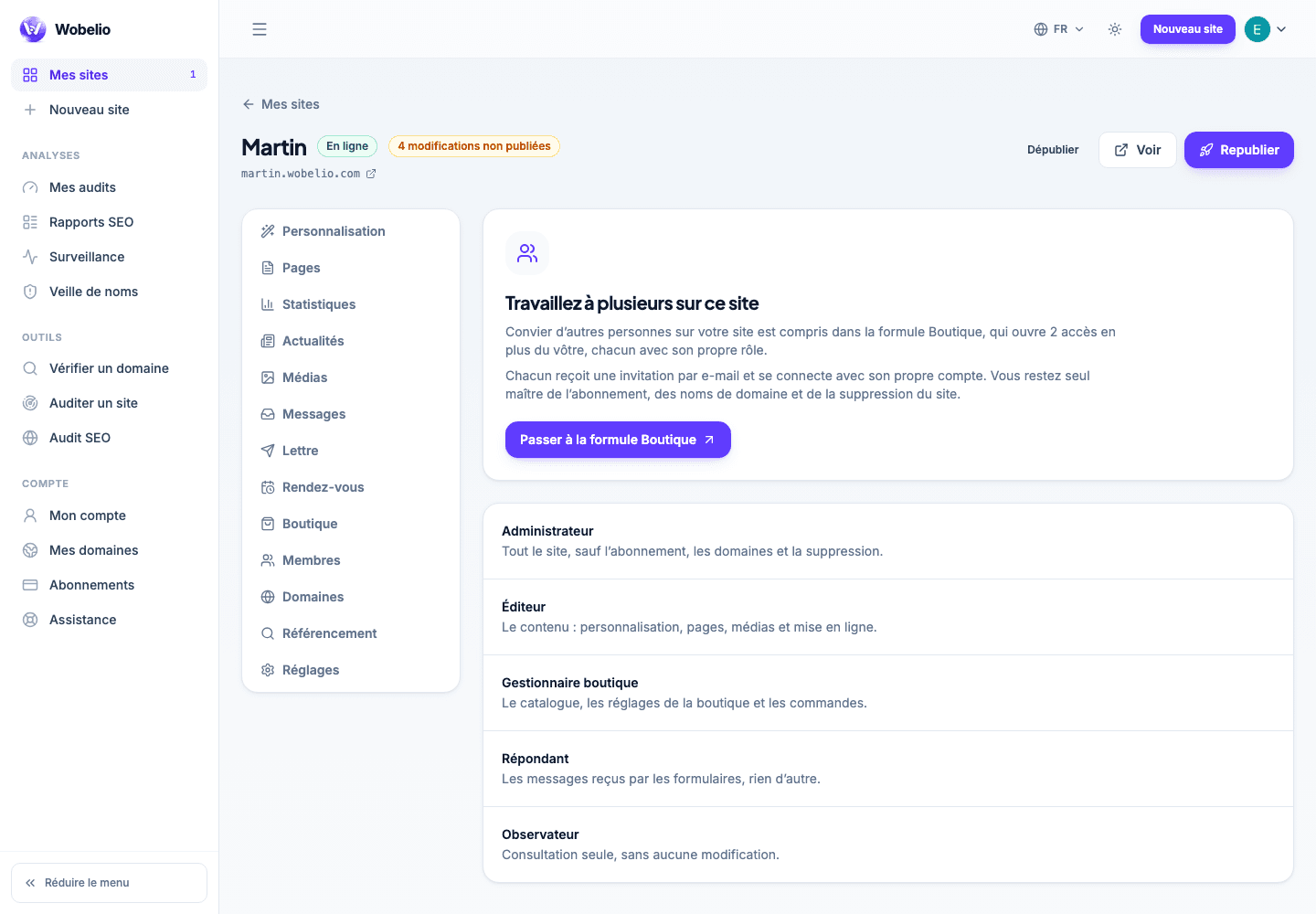
The roles
Each role opens up a set of sections: writing content, answering messages, running the shop, setting up the site, publishing. A member only sees in the navigation what their role allows them.
Cet article ne répond pas à votre cas ? Écrivez-nous depuis votre espace.