
Pages and navigation
Create pages, choose their address, arrange them in the menu.
Tableau de bord → votre site → Pages (Dashboard → your site → Pages)
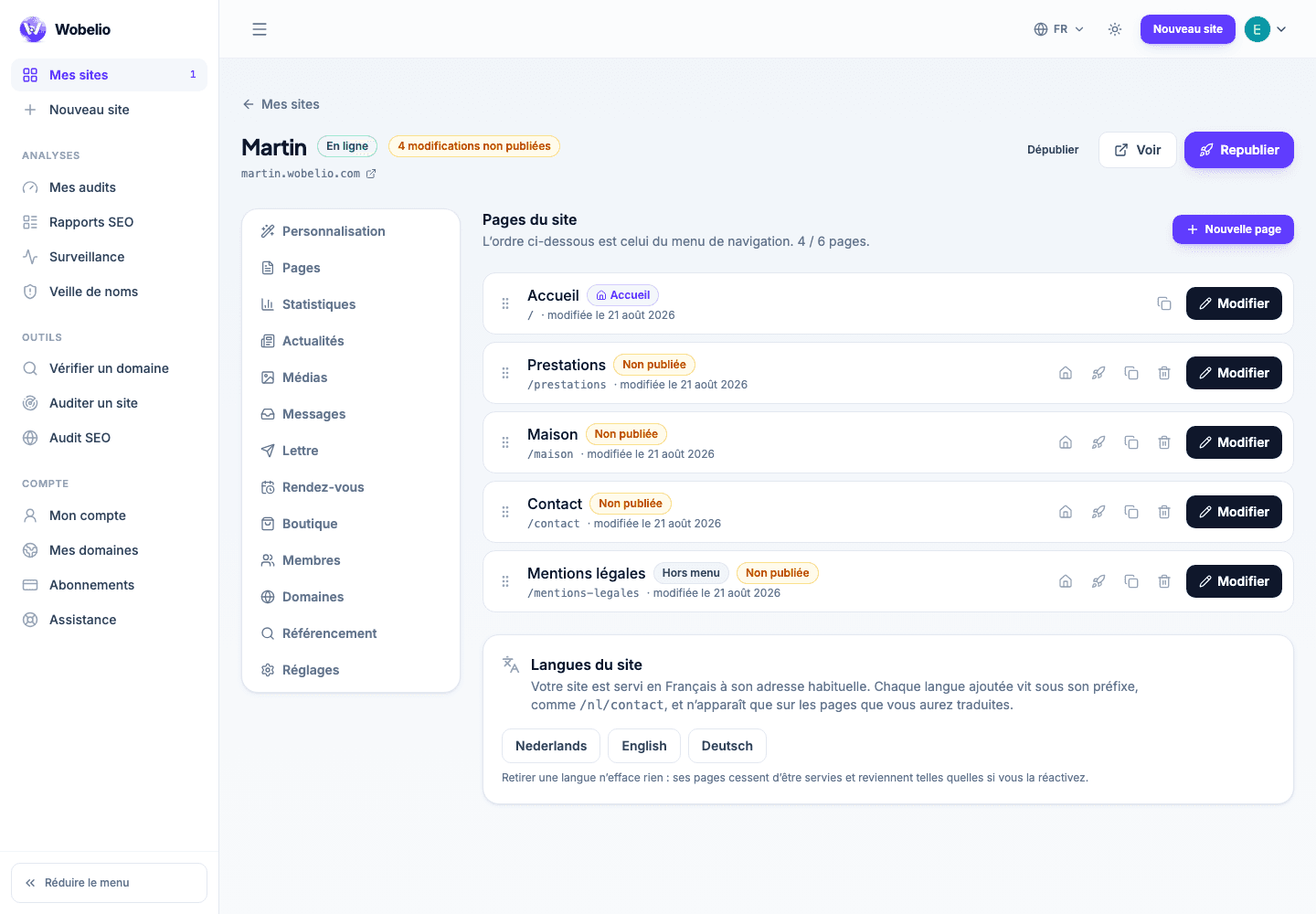
Creating a page
Give it a title: its address is suggested from that title, and stays editable. You then choose a page template, which sets down the usual sections (services, about, contact, prices, gallery) already filled in, or the empty page.
Addresses and redirects
A page address is written in lower case, without accents, with hyphens. Some words are reserved by the platform and refused at creation. If you rename the address of a page already online, the old one keeps leading to the new one.
The site menu
Each page may or may not appear in the navigation, and the order is changed by dragging and dropping. The home page is the one that answers at the root of your address.
Cet article ne répond pas à votre cas ? Écrivez-nous depuis votre espace.