
The mobile app
What the app does, and what it does not do.
Application Wobelio (Wobelio app)
What it is for
It is made for what you look at standing up, between two appointments: the audience of your sites, the messages that have just arrived, the state of your subscription and your invoices. Composing a page stays on the computer — that is wide-screen work.
Closing a site from your phone
The maintenance switch exists in the app too, and that is its real use: closing your site because a wrong price is online, without waiting until you are home. The same setting is lifted from the site settings on the web.
Notifications
Each category is set separately, and you choose the channel: a notification on the phone, an e-mail, or both where both exist.
- Messages received through your forms.
- Monitoring: a site that stops answering, and its return.
- Maintenance: a site left closed.
- Billing: due dates and payments.
- App updates.
Signing in to the web from the app
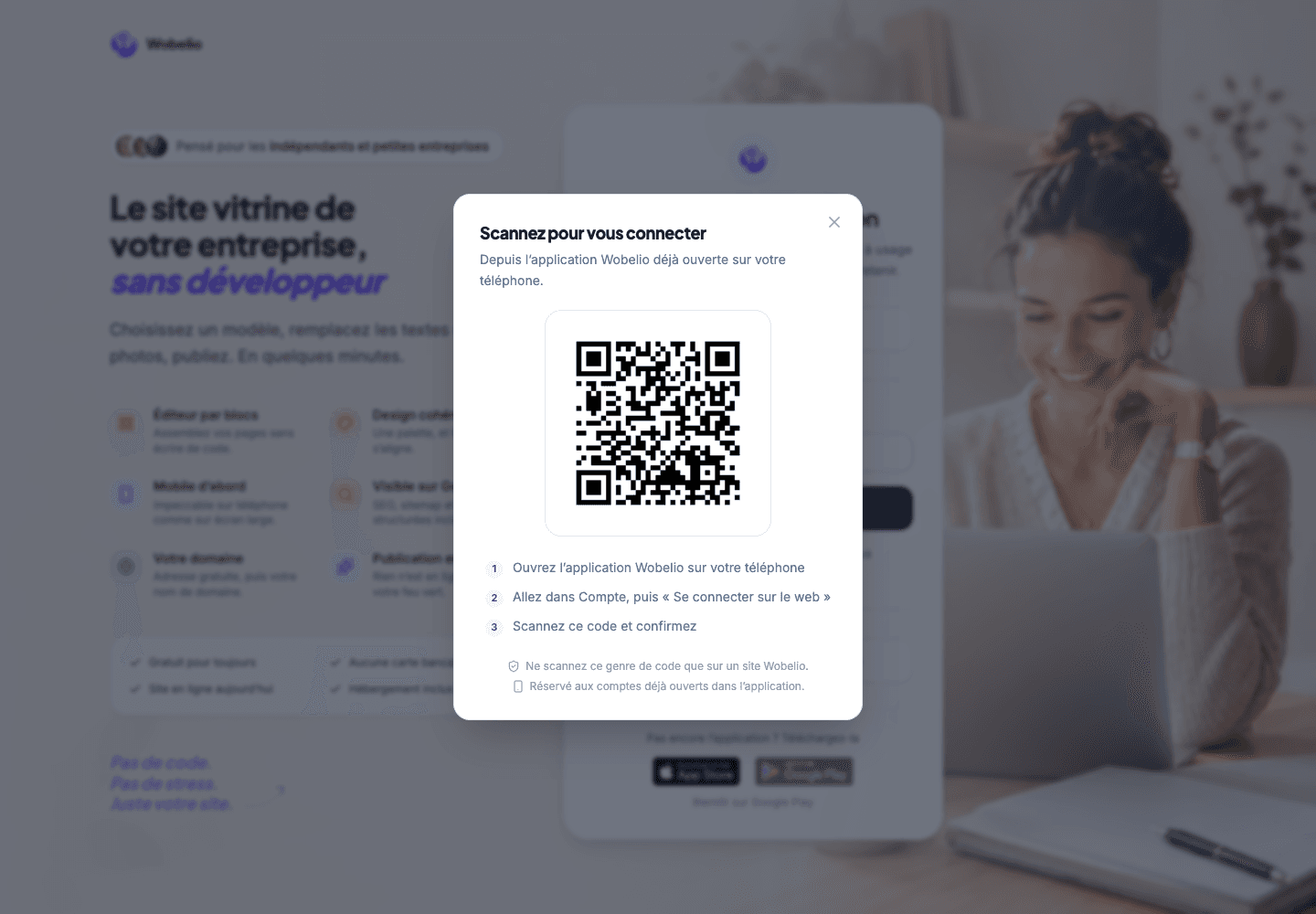
On the computer, choose « Se connecter avec l’application » (Sign in with the app); in the app, open Compte (Account) then « Se connecter sur le web » (Sign in on the web), scan the QR shown and confirm. Never confirm a request that you did not open yourself.
Cet article ne répond pas à votre cas ? Écrivez-nous depuis votre espace.