
Appointments
Let your customers book a slot from your site.
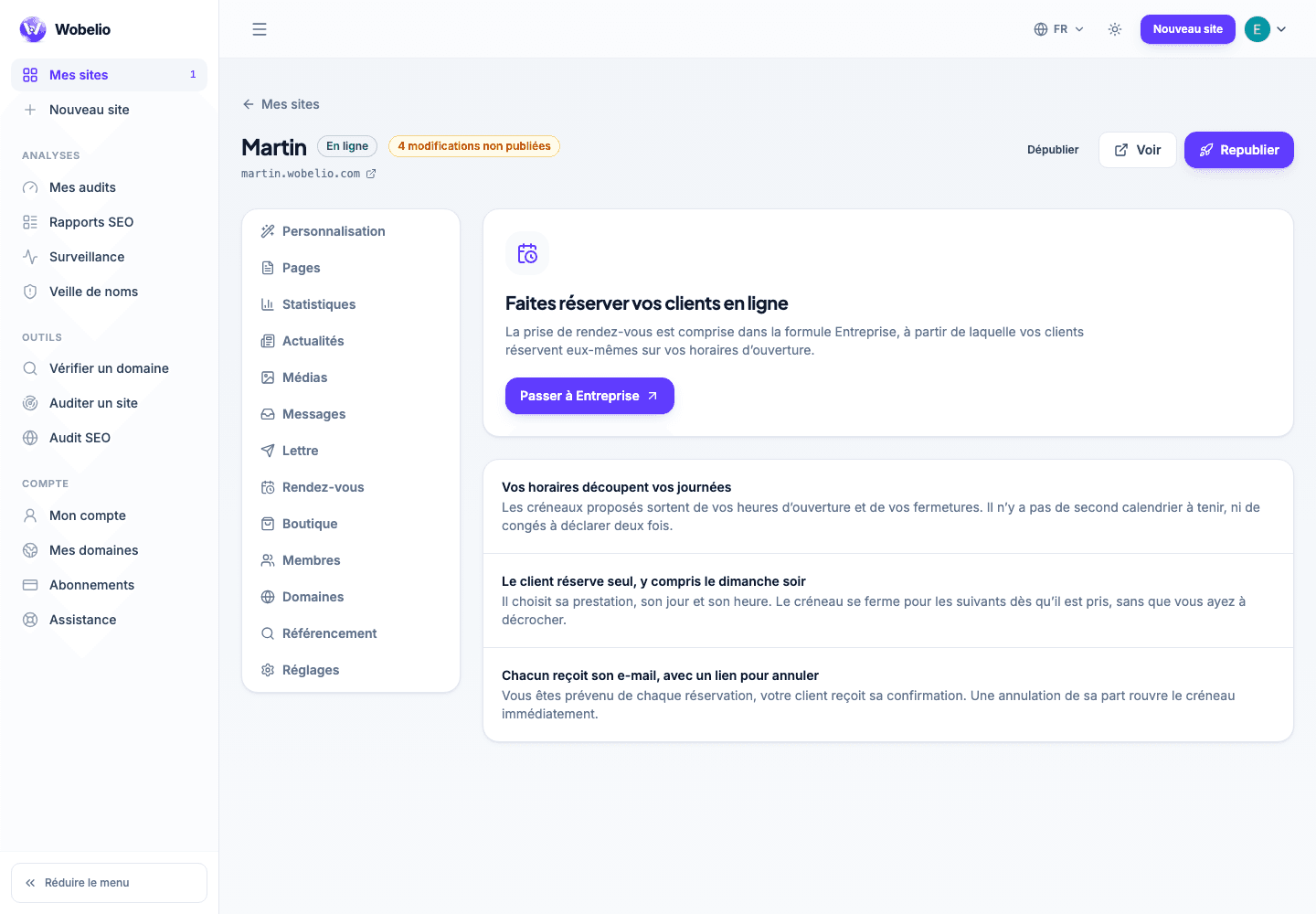
Tableau de bord → votre site → Rendez-vous (Dashboard → your site → Appointments)
Opening online booking
Add the « Prise de rendez-vous » (Booking) block on one of your pages: without it, your customers have nothing to click and the Rendez-vous screen stays empty. There you declare what you offer and when you are available.
Following the requests
Upcoming appointments are read on the screen of the same name, from the nearest to the furthest away. Each carries the details left by the customer.
Cet article ne répond pas à votre cas ? Écrivez-nous depuis votre espace.