
Opening hours, closures and maintenance
Your opening hours, your exceptional closures, and putting the site on hold.
Votre site → Réglages (Your site → Settings)
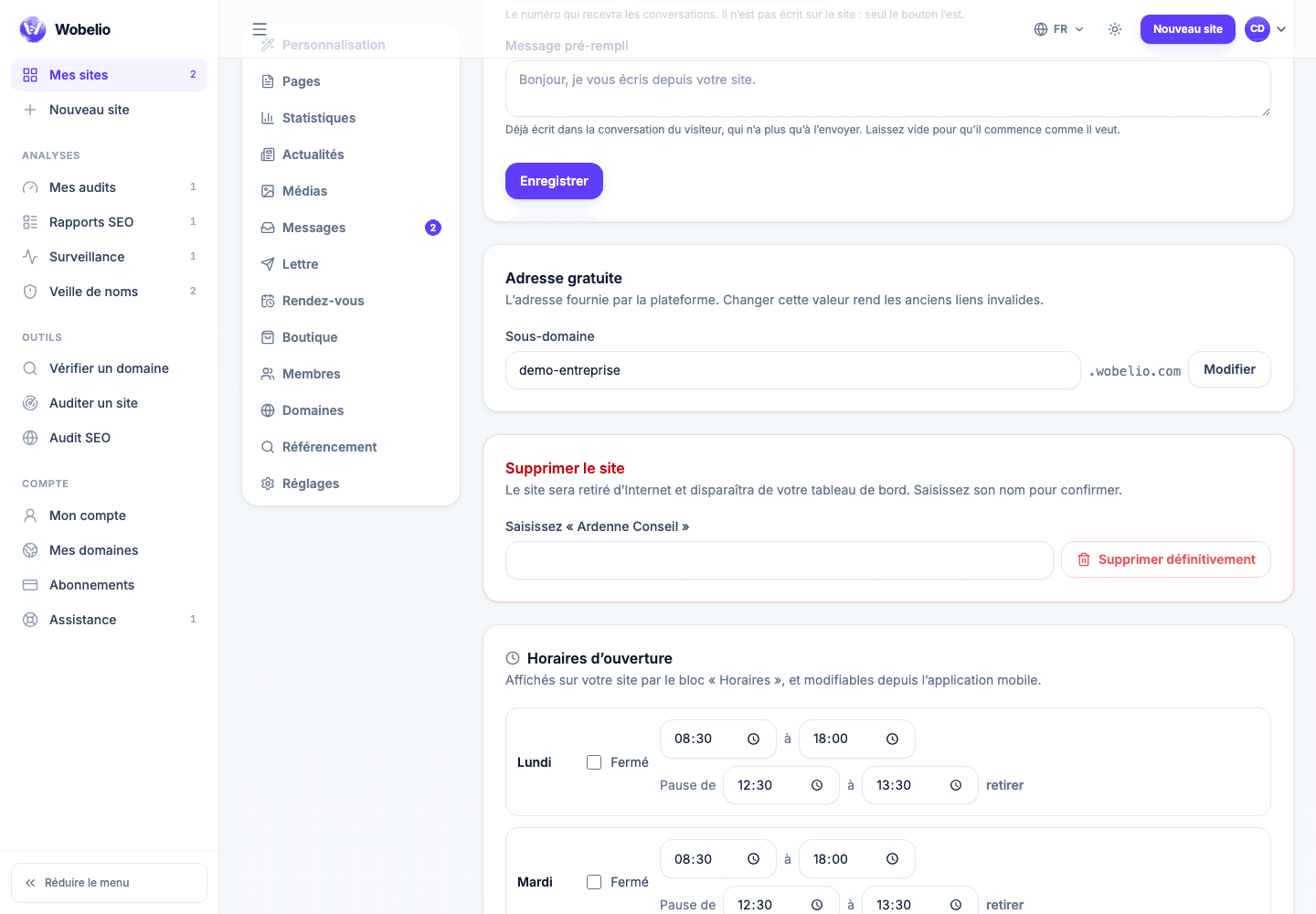
One row per day
Hours are entered day by day, with the option of a break: a restaurant writes its lunch service and its evening service on the same row, and the gap between the two is the break. It is this way of entering them that lets your site answer « open now » rather than show a table the visitor has to interpret alone.
- A day marked closed keeps its hours: they come back the day you reopen.
- The Hours block on your pages shows what you enter here, it does not duplicate it.
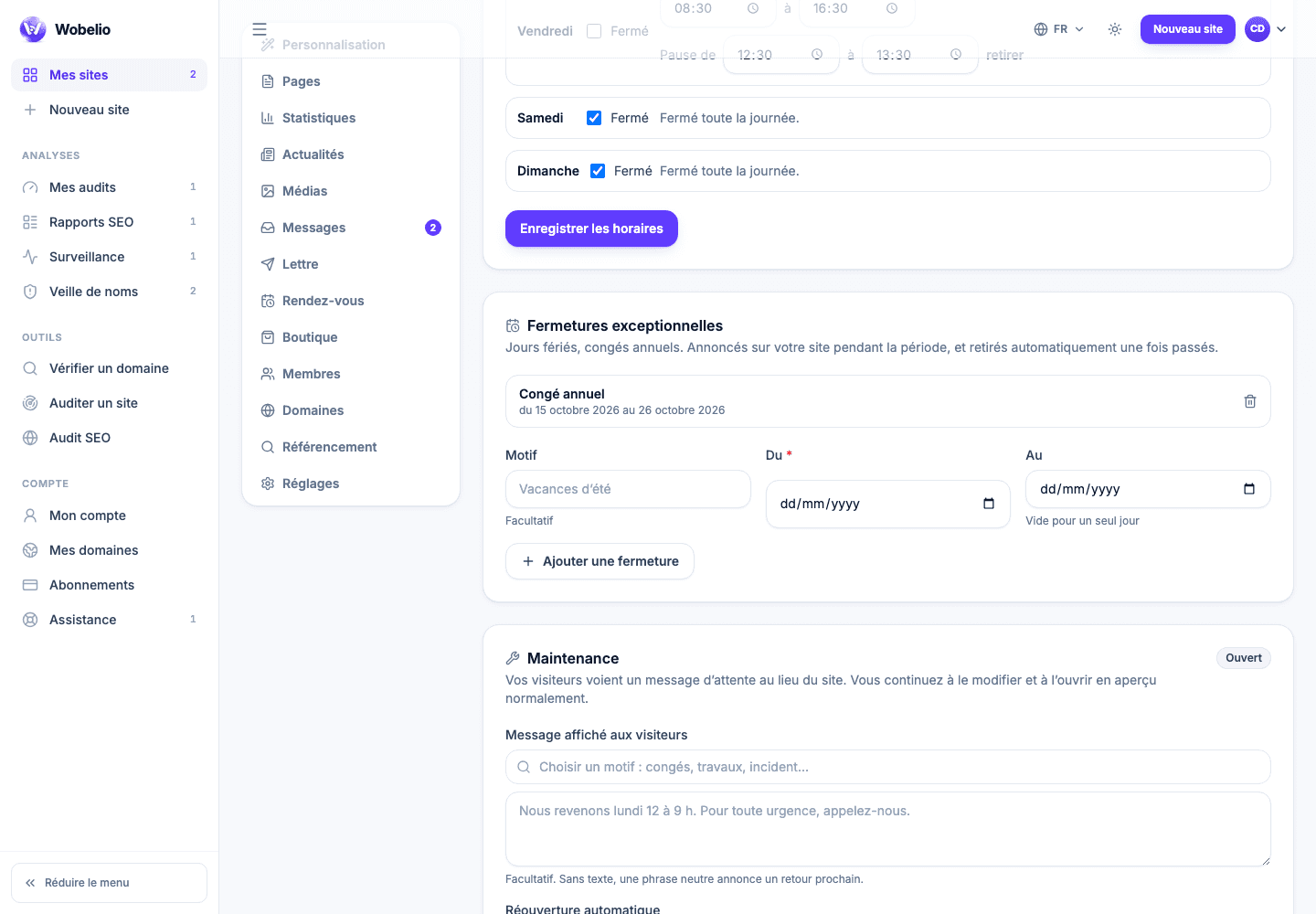
Exceptional closures
Leave, a stocktake, a public holiday: give it a label, a start date, and an end date if it lasts more than a day. During that period, your site announces the closure instead of answering with the usual hours.
Maintenance closes the site, it does not unpublish it
The Maintenance card replaces your site with a holding message. You carry on editing it and opening it in preview as normal: this is not an unpublication, it is a closed door with a note on it. You can let the visitor write to you there, and set a reopening date.
- A site never published has nothing to close: the screen says so and does not offer it.
- The same switch exists in the mobile app, to close from your phone.
Cet article ne répond pas à votre cas ? Écrivez-nous depuis votre espace.