
Personalise with the editor
Blocks, the draft, the preview, and what changes without touching code.
Tableau de bord → votre site → Personnalisation (Dashboard → your site → Personalisation)
A page is a stack of blocks
Banner, services, steps, gallery, frequently asked questions, form, map: each section of your page is a block you add, move or remove. A block you add arrives filled with sample content, which you replace.
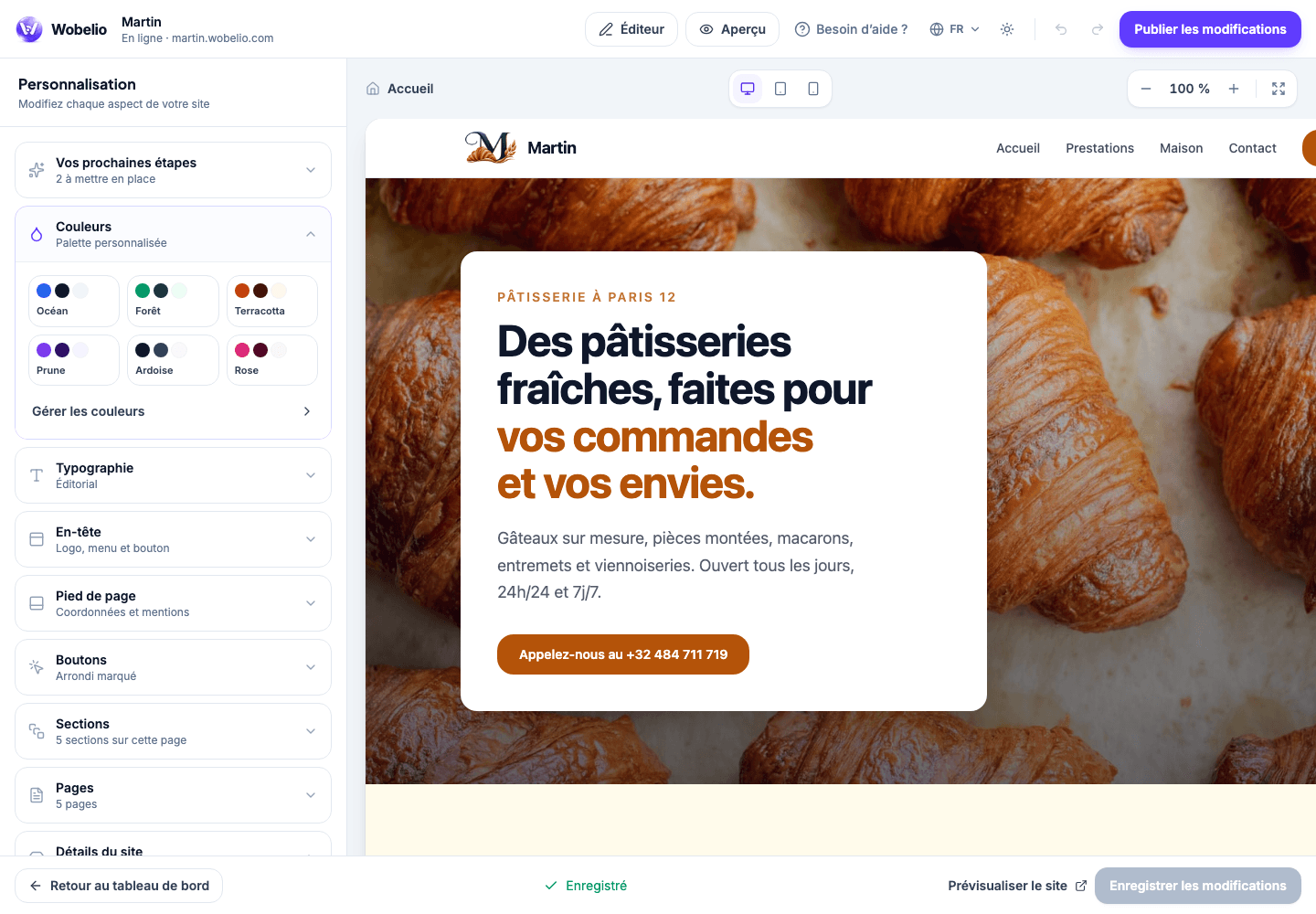
The look applies to the whole site
Colours, fonts, the logo, the tab icon, the header and the footer are set once and apply to every page. You will find them under Personnalisation (Personalisation).
You work on a draft
Nothing you change is visible until you have published. So you can leave a page half-finished for a week without anyone seeing it.
Cet article ne répond pas à votre cas ? Écrivez-nous depuis votre espace.