Managing your website from your phone does not mean writing your pages on a tiny screen. A phone is a poor website editor and an excellent control room. Confusing the two is how people end up with disappointing apps. They expect a word processor, they get a dashboard.
So the question is not “can I do everything from my phone”. It is rather: what cannot wait until I am sitting at a keyboard?
Manage your website from your phone: what cannot wait
Four situations come up for almost every shop owner and tradesperson:
- an unexpected closure: a delivery, illness, a job that overruns, a van that breaks down;
- an opening time that changes overnight, or a holiday period to announce;
- an enquiry sent through the contact form, waiting for a reply;
- a doubt, after a campaign or a mention in the press: did anyone actually come?
None of them requires writing. All of them require acting quickly. That is exactly the line between what belongs on a phone and what belongs on a computer.
Wrong information costs more than missing information, too. The customer who finds the door shut after reading “open until 6 pm” does not come back. And they tell people about it.
Close to visitors rather than disappear
Three states are regularly confused, although they tell the visitor very different things:
- Online. The site answers, everything is normal.
- Closed with a message. The site answers, but shows a notice in your company’s colours. It gives the reason for the closure, and the date you are back.
- Taken offline. The address no longer answers, the visitor gets a page-not-found error.
For a temporary closure, the second state is the only acceptable one. The third is for a site you are withdrawing for good. An address that stays silent for three weeks makes people conclude you have closed down: customers believe it, and so do search engines.
Write the message once, in two sentences, and keep it: “Closed until 26 August for the summer break. We read your messages and will reply when we are back.” After that, only the date changes.
Always announce the reopening. If your tool can schedule it, set it straight away: reopening is what people forget, never closing.
Opening hours you fix where you notice them
Opening hours are the first thing a visitor to a local website looks for, ahead of the phone number. They also weigh on your visibility, because Google watches whether the information is reliable. A closed door on a day advertised as open is also the leading cause of negative reviews in retail. Our guide to local SEO explains that mechanism.
Two places have to say the same thing: your Google Business Profile and your website. Fix them from the counter, at the moment the decision is made. That is the only method that survives a busy week: noted down for later, the correction never happens.
Two different settings, not to be mixed up:
- the weekly hours, which change once or twice a year;
- the exceptional closures, with dates: bank holidays, leave, stocktaking, training.
Declare the second in advance rather than emptying the first. Removing the Wednesday line for one Wednesday bank holiday announces that you are closed every Wednesday.
Answer messages while they still count
For enquiries sent through a form, response time matters more than the quality of the response. A request for a quote rarely goes to a single business. Whoever answers first gets the appointment, even in three lines.
Two habits are enough:
- read messages where they arrive, on the phone. In a shared mailbox they drown between two invoices;
- answer in two lines, immediately, and go into detail later. For example: “Received, I will come by on Thursday morning, I will confirm the time this evening.”
Then archive what you have dealt with. A message list that stays full stops being read after a fortnight.
Read your figures without panicking
Once a week is enough, and three figures are worth the look:
- visitors over 30 days, for the trend. Over 7 days, you are mostly measuring the weather and the day of the week;
- the most viewed pages, which tell you what people actually come to you for. It is often a page you thought was secondary;
- contact clicks: calls, directions or form submissions. That is the only figure directly related to your turnover.
Never compare a Tuesday with a Saturday, or July with November. Compare a month with the same month last year, or a period with the one immediately before it.
What needs a big screen
The split is clear, and it holds for any tool:
- writing the copy for your pages, because that means rereading, cutting and going back. Our guide to writing your website copy shows where to start;
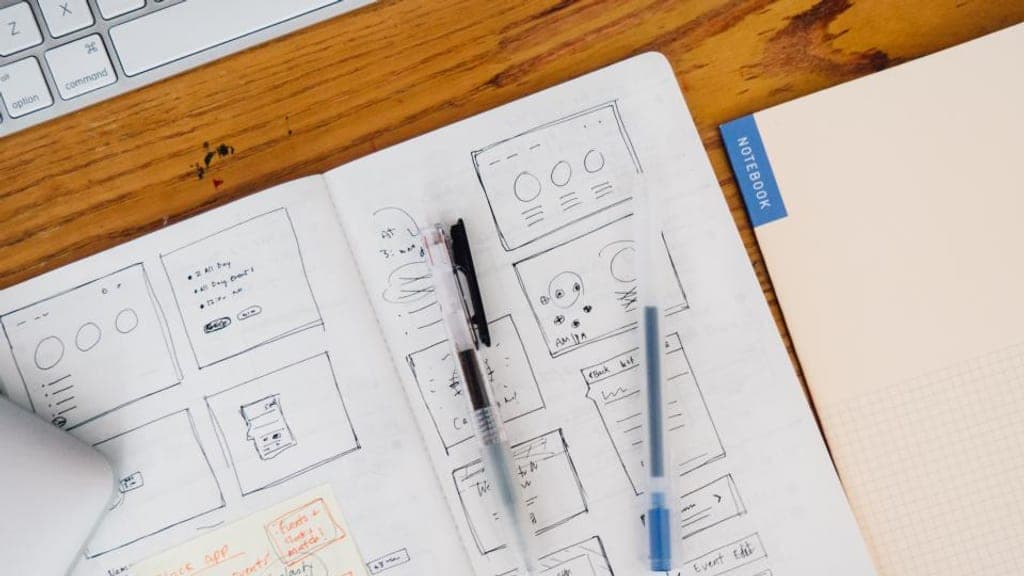
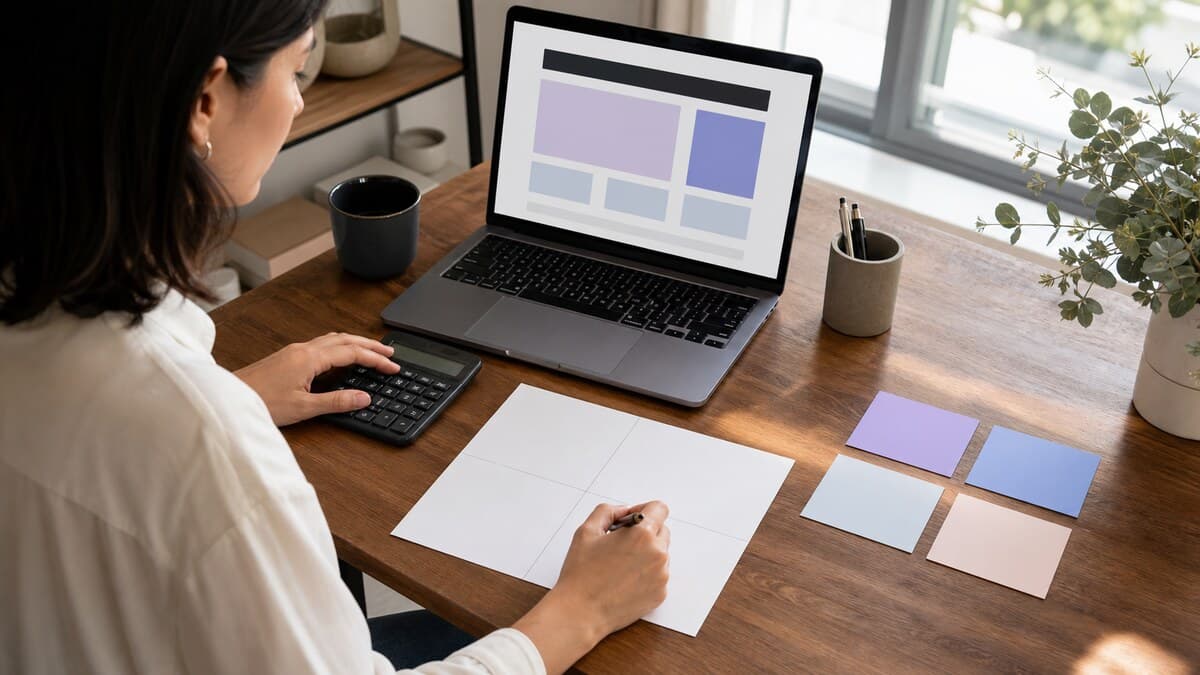
- laying out a page and choosing what goes on it. A layout is judged whole, not through a six-centimetre window;
- sorting photos, whose framing and blur you cannot see on a small screen;
- choosing a plan or changing a payment method, which you do once and deserve to read calmly.
The Wobelio app, what it does and what it does not
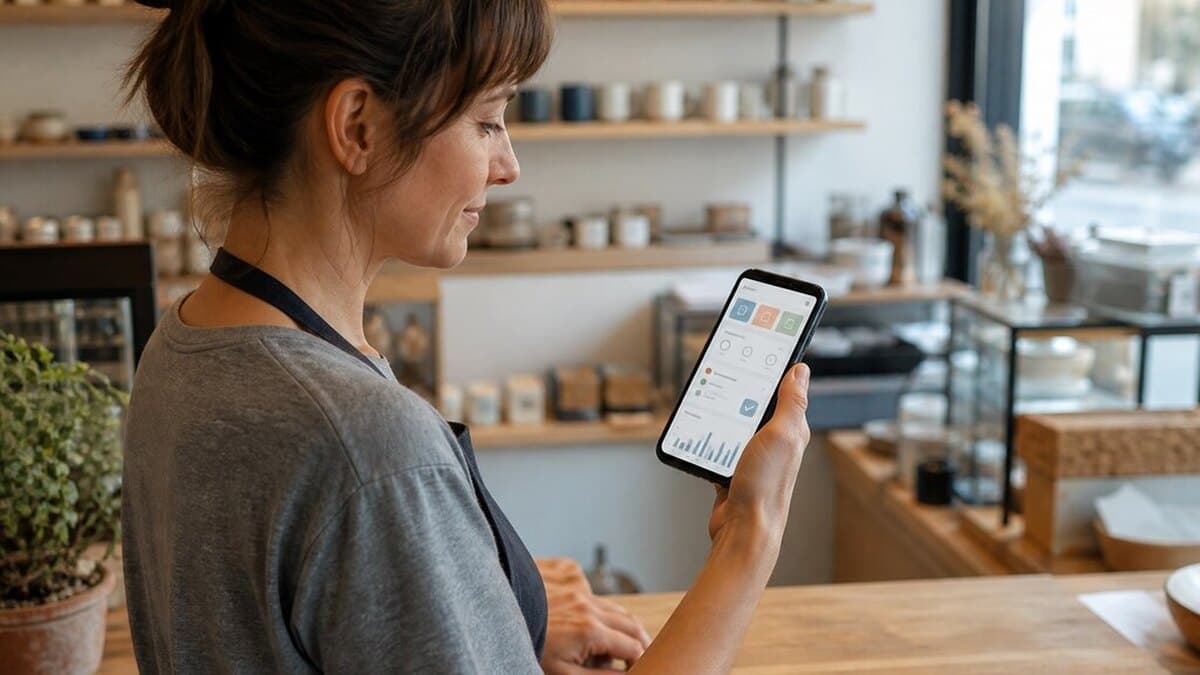
It carries exactly the actions above. The home screen shows the status of each site and whether it is open at this hour. Then come closing to visitors, with a message and an automatic reopening. Then the weekly hours and exceptional closures, the messages you receive, your audience over 7 or 30 days. You sign in with a six-digit code sent by email. There is no password, in the app any more than on the site.
What it deliberately does not do: edit content, create a site, choose a plan. Those three stay in the editor, which assumes a big screen.
One clarification about the figures it shows. Audience measurement on Wobelio sites sets no cookie and stores nothing on the visitor’s device. It never records the IP address. That is why your site does not need a consent banner for this measurement.
The app is available on the App Store, and the Android version is coming to Google Play. The badges at the bottom of this page show today’s status.
Where to start managing your website from your phone
If you only have an hour, take it in this order. Check the hours for all seven days, then declare the closures for the next three months. Answer the messages waiting for you. Finally, look at your last 30 days, so you have a starting point.
After that, a few minutes a week are enough. That is precisely the point: a site that holds itself together the rest of the time. And a phone that earns its keep on the day things change.
Frequently asked questions
Can I edit my website content from my phone?
Technically yes, in a browser, but the result shows it. Laying out a page means seeing the whole page, its images and its columns at once. Keep the phone for short actions: opening hours, closures, messages, statistics. Keep writing and layout for a computer screen.
How do I warn visitors about an unexpected closure?
By showing a closure message on the site rather than taking it offline. The visitor sees a page in your company’s colours, the reason for the closure and the date you are back. An address that no longer answers suggests you have shut down for good.
Is the Wobelio app available on Android?
It is published on the App Store for iPhone and iPad, and the Android version is coming to Google Play. The badges at the bottom of every page on this site show today’s status: if the Google Play badge is clickable, the app is available there.
Do I need to remember a password to sign in?
No. You enter your email address, you receive a six-digit code and you type that code in. There is no password to create or remember, on the site or in the app, and the device stays signed in afterwards.